382
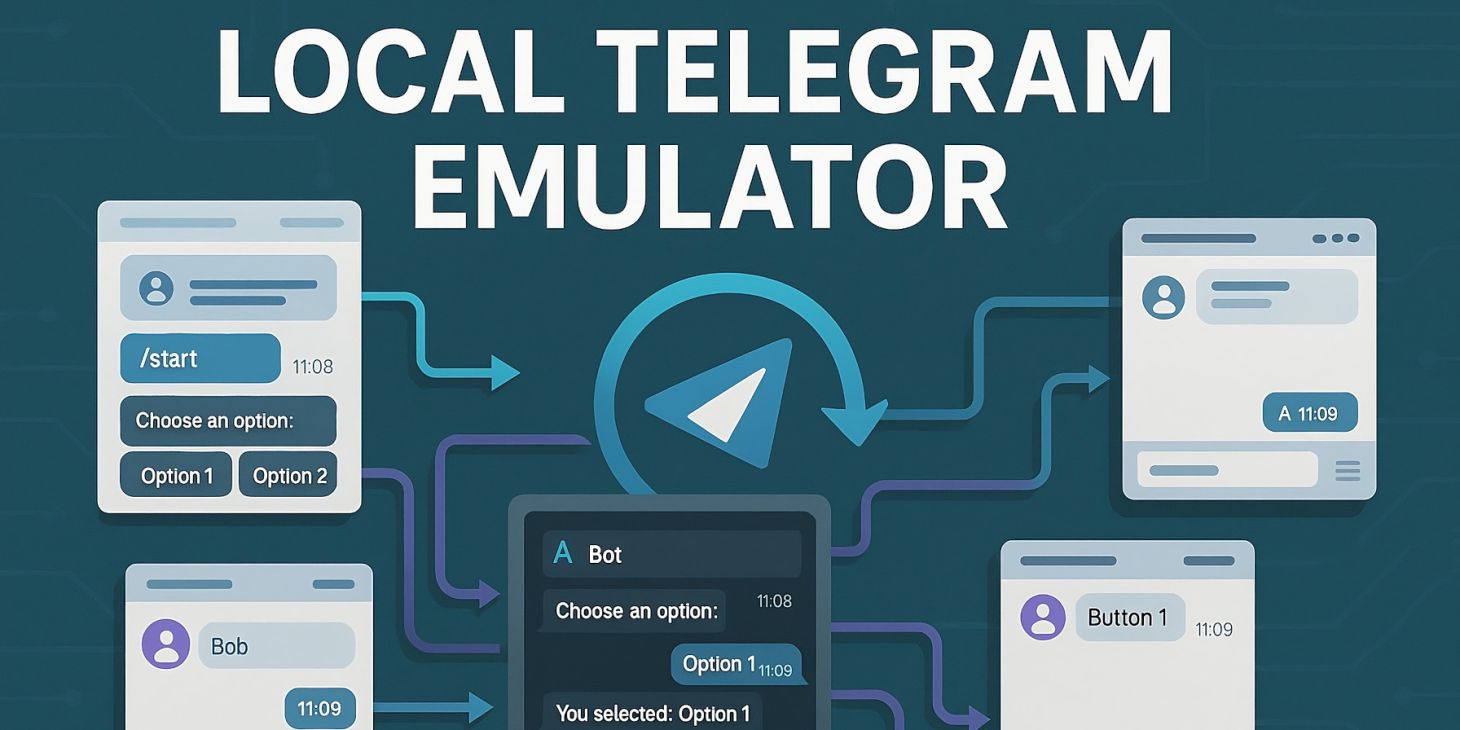
Локальный эмулятор Telegram
Писали ли вы когда-нибудь телеграм ботов? Чтобы подключить локального бота к Telegram - нужно немного пострадать с ssh туннелями или пробросами портов. Ну или вместо хуков использовать api / long polling, что не всегда удобно.
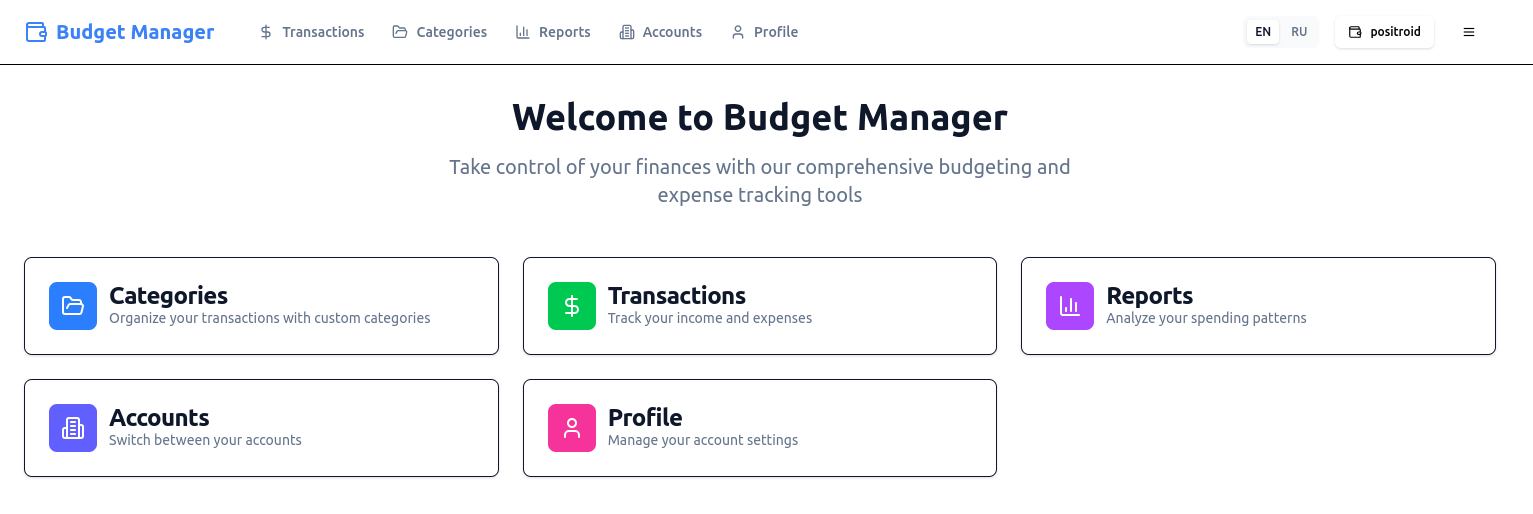
Я сейчас пишу сервис по учету доходов и расходов, точнее сам сервис уже написан gpt-5 в cursor в бесплатную неделю релиза (при этом было сожжено бесплатных токенов на 300$, хах). Пишу именно бота к нему. Прошлая версия работала на гугл таблицах, я её использую до сих пор, но это не слишком удобно по ряду причин. Текущая уже выглядит вот так:
Но про сервис - когда-нибудь в другой раз, когда я его опубликую, пока разберем локальную разработку ботов.
Обычно бот - это некий скрипт на python/php/go/etc, который разрабатывается локально. Для взаимодействия с telegram есть 3 варианта:
- API - бот сам периодически опрашивает Telegram на предмет наличия обновлений, скажем, раз в несколько секунд. Минусы очевидны - задержка.
- Long polling - то же апи, но с переданным параметром timeout - в течение этого таймаута, если обновлений нет - Telegram удерживает соединение, пока либо не получит обновление, либо не наступит таймаут. Плюсы - вы сразу получаете обновления, минусы - нужно держать постоянно запущенным подключение к Telegram и переподключаться при наступлении таймауте
- Hooks - тоже API, но со стороны бота - нужно реализовать API, на которое уже сам Telegram будет присылать уведомления об обновлениях. Пришло сообщение - Telegram прислал его боту, вы обработали. Плюсы - не нужно держать соединение, данные приходят с минимальной задержкой. Минусы - бот должен предоставлять внешнее API, доступное для телеграм.
Я сторонник использования хуков (или комбинированных вариантов), так что нужно было как-то решить проблему с внешним API для бота. В prod режиме оно подразумевается само собой - приложение разворачивается на VPS и настраивается nginx на проксирование запросов на нужный порт / нужному сервису. Но чтобы это работало локально - нужно пострадать. Вариантов здесь тоже несколько:
- Внешний белый IP на локальной машине - редкость в наше время, обычно платная услуга у провайдеров. Но даже с ней выставлять наружу свой ПК ради только этого - как минимум небезопасно. Нужно постоянно мониторить открытые порты в системе, политики безопасности, обновлять софт и тп, чтобы ваш ПК не стал в какой-то момент частью ботнета (а вы об этом можете и не узнать).
- Различного рода сервисы, которые предоставляют временные домены, куда прокидывается ваша локальная машина (такой туннель между ПК и внешним миром) - например, ngrok или LocalTunnel. Обычно имеют некий бесплатный функционал, дают временные домены и вот это все. Но функциональность ограничена, любое изменение сети (включение/выключение VPN, переключение WiFi) может положить туннель. Сервисы доступны не во всех странах.
- Поднять свой ssh туннель. Если у вас есть VPS и доступ к нему по ssh - можно в 1 команду прокинуть локальный порт на VPS. Далее на нем же можно настроить, например, nginx, чтобы запросы завернуть с вашего домена на определенный порт. Минусы те же - соединение не стабильно.
К тому же для тестирования бота - нужно его зарегистрировать в Telegram, настроить и все общение вести в нем же.
Из-за вот этого всего я решил завести локальный Telegram для разработки и тестирования ботов. Чтобы не нужно было подключение к интернету, не нужны внешние сервисы - запустил локально эмулятор, указал его домен и порт и разрабатывай себе бота локально.
Что у меня вышло - можно посмотреть в репозитории: https://github.com/positron48/telegram-emulator
Изначально думал сделать некий административный UI - выбор ботов, смену пользователей, но в результате получился практически полноценный мессенжер (разве что без авторизации / аутентификации), где можно чатиться между разными пользователями в разных окнах браузера:
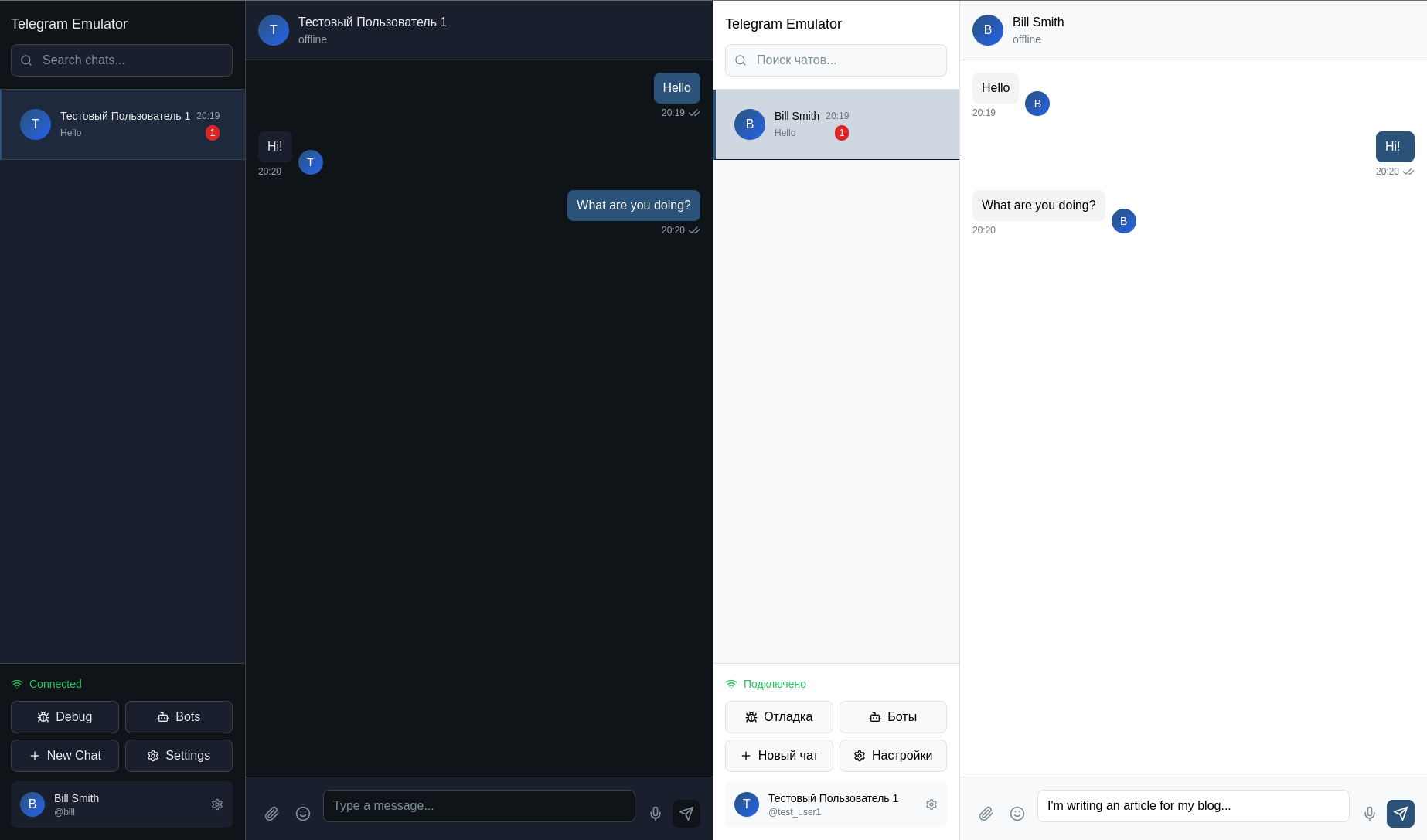
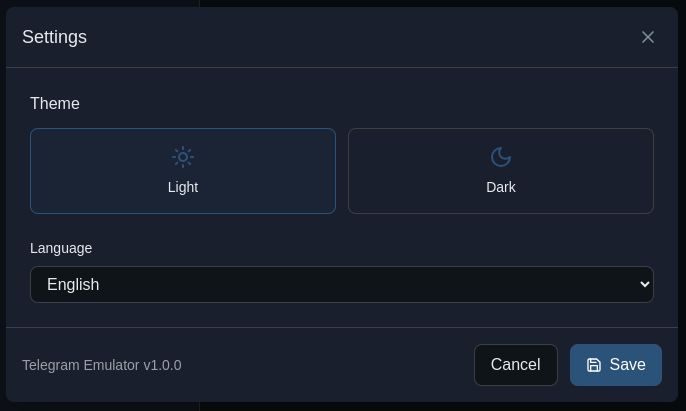
Ну и прочие обязательные и не обязательные фичи. Доступен английский и русский языки локализации, а также светлая и темная тема:
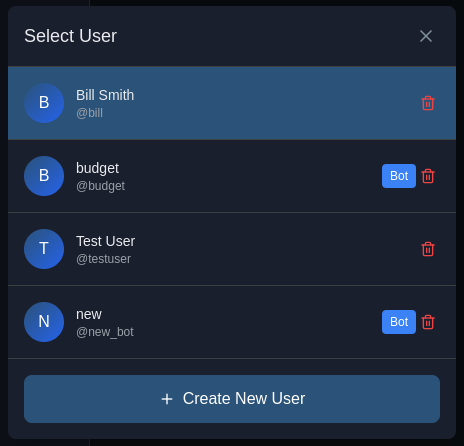
Можно менять пользователя, от имени которого отправляются сообщения, а также создавать пользователей:
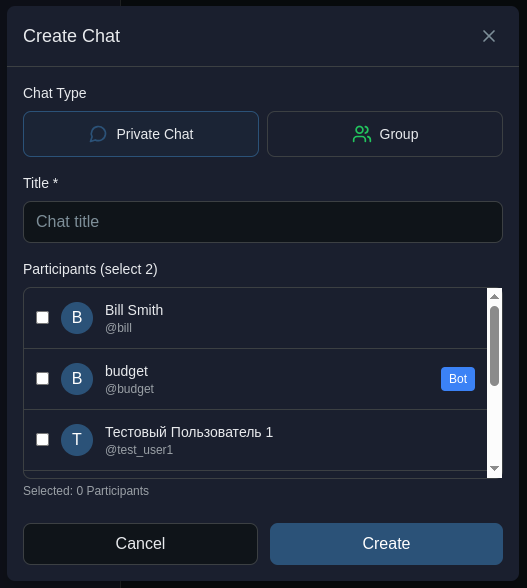
Можно создать новый диалог между пользователями, пользователем и ботом или создать группу с множеством пользователей:
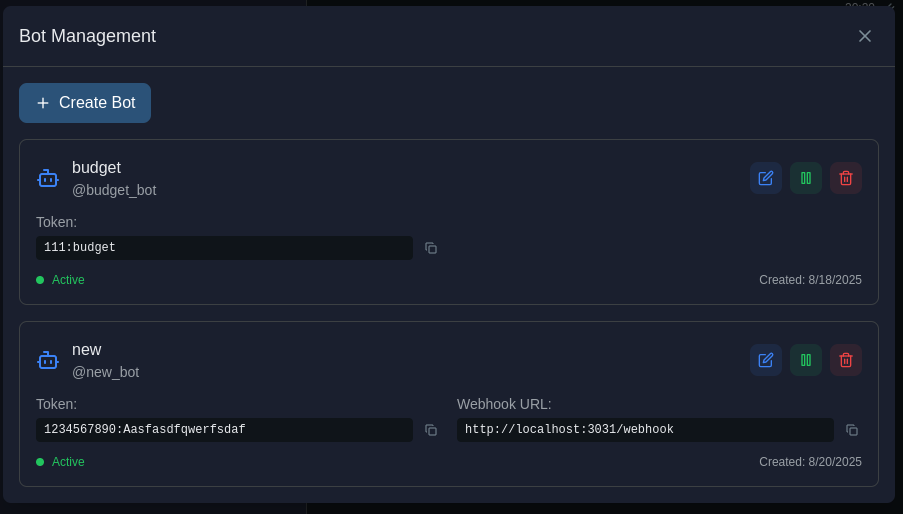
Также есть настройки ботов - помимо прочего здесь указывается API ключ и адрес webhook, на который эмулятор должен слать уведомления:
Но это все интерфейсные детали, сервис же создавался для ботов. Какие фичи покрыты:
- все варианты взаимодействия - api / long polling / webhooks;
- api методы: getMe, getUpdates, sendMessage, setWebhook, deleteWebhook, getWebhookInfo;
- inline и нативная клавиатура;
- обработка callback'ов по нажатию кнопок в клавиатурах.
На мой взгляд, более чем достаточно для старта разработки и базовых фич. Пока нет редактирования/удаления сообщений, работы с медиаэлементами, возможно есть несостыковки между эмуляцией и реальным Telegram Bot API - сейчас я в процессе реализации своего бота, так что все что найду в процессе - поправлю.
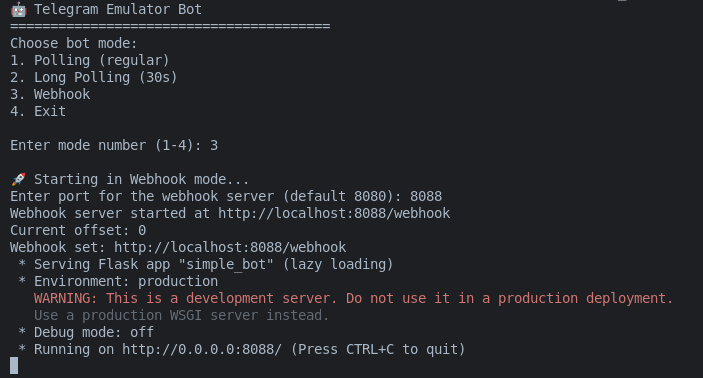
Есть также пример консольного бота на python, который умеет отвечать на простые команды и демонстрирует фичи эмулятора:
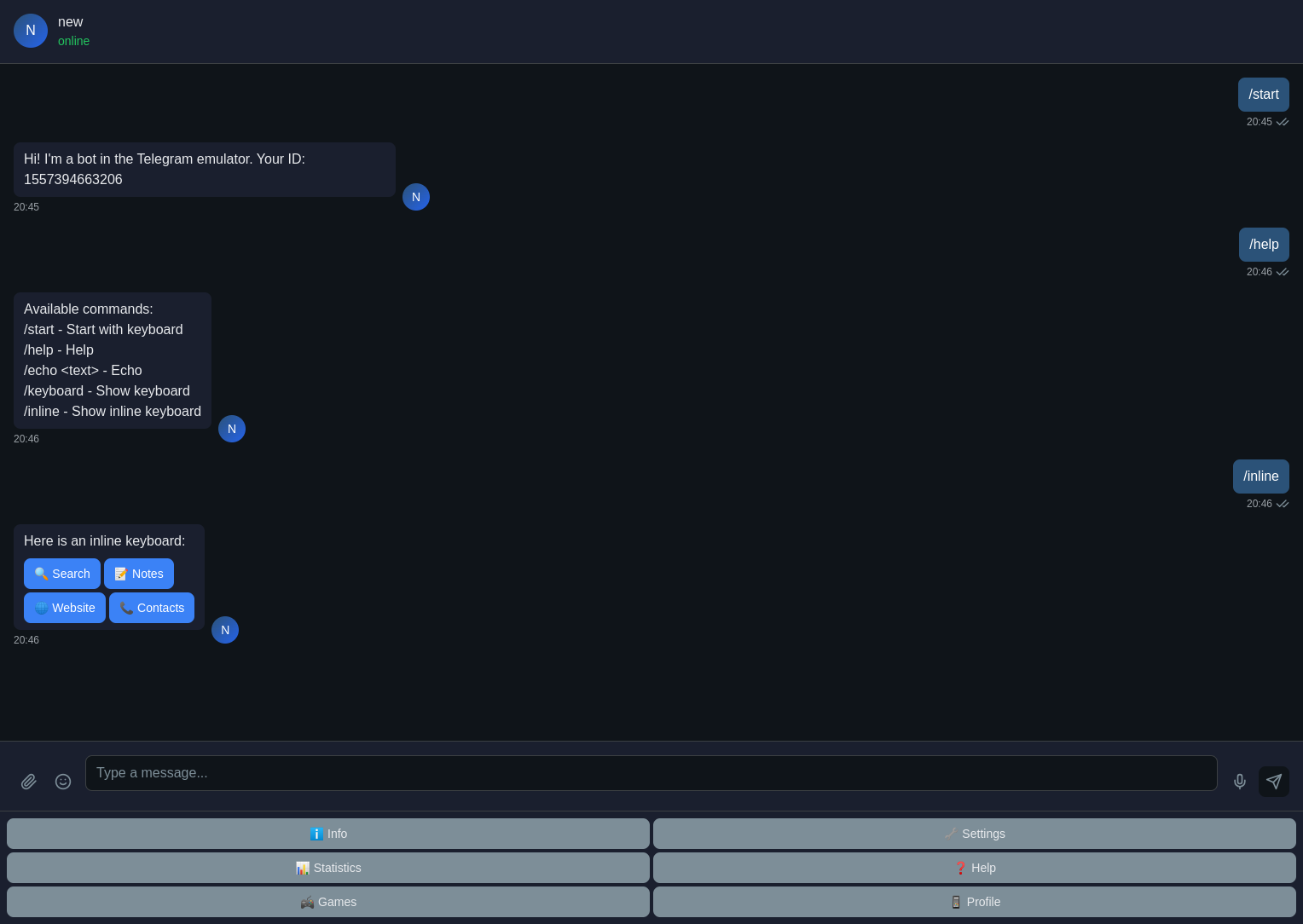
И его возможности в интерфейсе эмулятора (только часть):
Ну и теперь самое интересное по реализации. Бэкенд - на go, фронтенд - react. С обеими технологиями я знаком весьма посредственно, с нуля руками ничего написать не смогу, синтаксис go не знаю, устройство компонентов react - тоже (есть опыт только с Vue.js).
И это не помешало реализовать полноценную утилиту - за 3 дня. Cursor и gpt-5-high творят чудеса. Как бы консерваторы не противились AI-инструментам и как бы не обзывали LLM "статистическими попугаями" - факты говорят об обратном.
Уже сейчас вы можете попробовать самостоятельно написать что-то своё под свои задачи, просто об этом попросив в чате.
-
Учите язык и не нравится игрушечность и бесполезность DuoLingvo? Напишите свой под свои задачи, пусть роль учителя будет отдана ИИ.
-
Хотите что-то для сбора статистики расходов личного бюджете и не можете найти что-то простое и понятное? Напишите свой, хоть с загрузкой фото чеков в телеграм бот и автоматическим распределением покупок по категориям.
-
Нужна прошивка для esp8266 для прокидывания простого датчика в home assistant? Вы знаете что делать.
Я перечислил только личные примеры, которые у меня есть в планах - вы можете сделать что-то под свои задачи. Плагины для браузеров, прошивки для контроллеров, любые калькуляторы, интерфейсы для ffmpeg или пакетной обработки картинок - уже сейчас иногда проще написать своё, чем перебирать десятки готовых приложений в поиске подходящего.
Да, пока либо нужно понимание как что устроено, либо желание разобраться, либо задача должна быть относительно простой.
И тем не менее, будущее уже здесь.